
os-cart-button (Cart Button)
What it is
Section titled “What it is”os-cart-button renders a cart icon button and shows the current cart item count badge when items exist.
Tag name
Section titled “Tag name”os-cart-button (Cart Button)
Attributes / parameters
Section titled “Attributes / parameters”None.
<os-cart-button></os-cart-button><os-cart-button></os-cart-button>export function Header() { return <os-cart-button></os-cart-button>;}Screenshot
Section titled “Screenshot”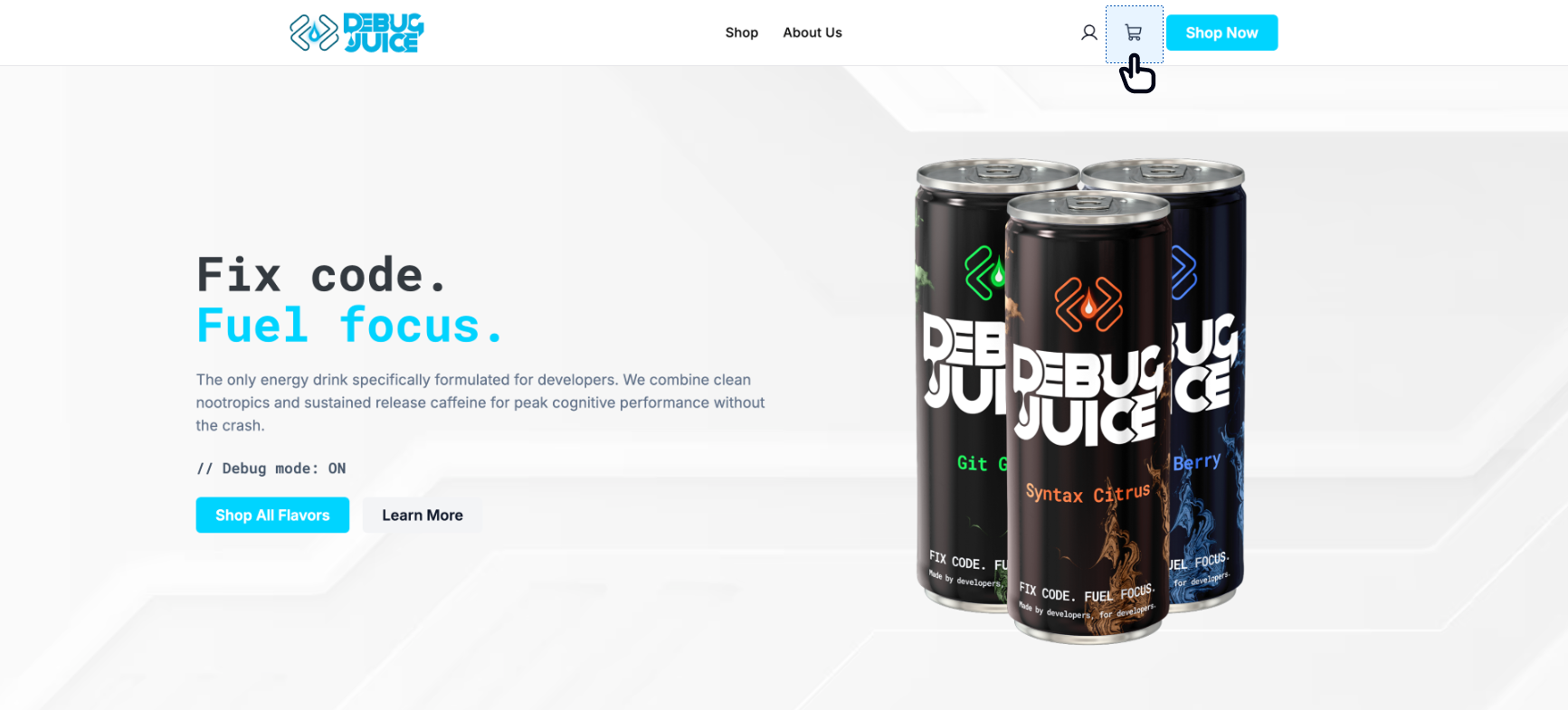
Styling (CSS variables)
Section titled “Styling (CSS variables)”These are in addition to the global tokens inherited by every component.
| CSS variable | Default |
|---|---|
--os-cart-button-bg | transparent |
--os-cart-button-color | var(--os-foreground) |
--os-cart-item-count-bg | var(--os-primary) |
--os-cart-item-count-color | var(--os-primary-foreground) |
Related components
Section titled “Related components” Cart Slideout The panel this button opens — drop both onto your page.
Single Product Card Products that add items to the cart this button toggles.